
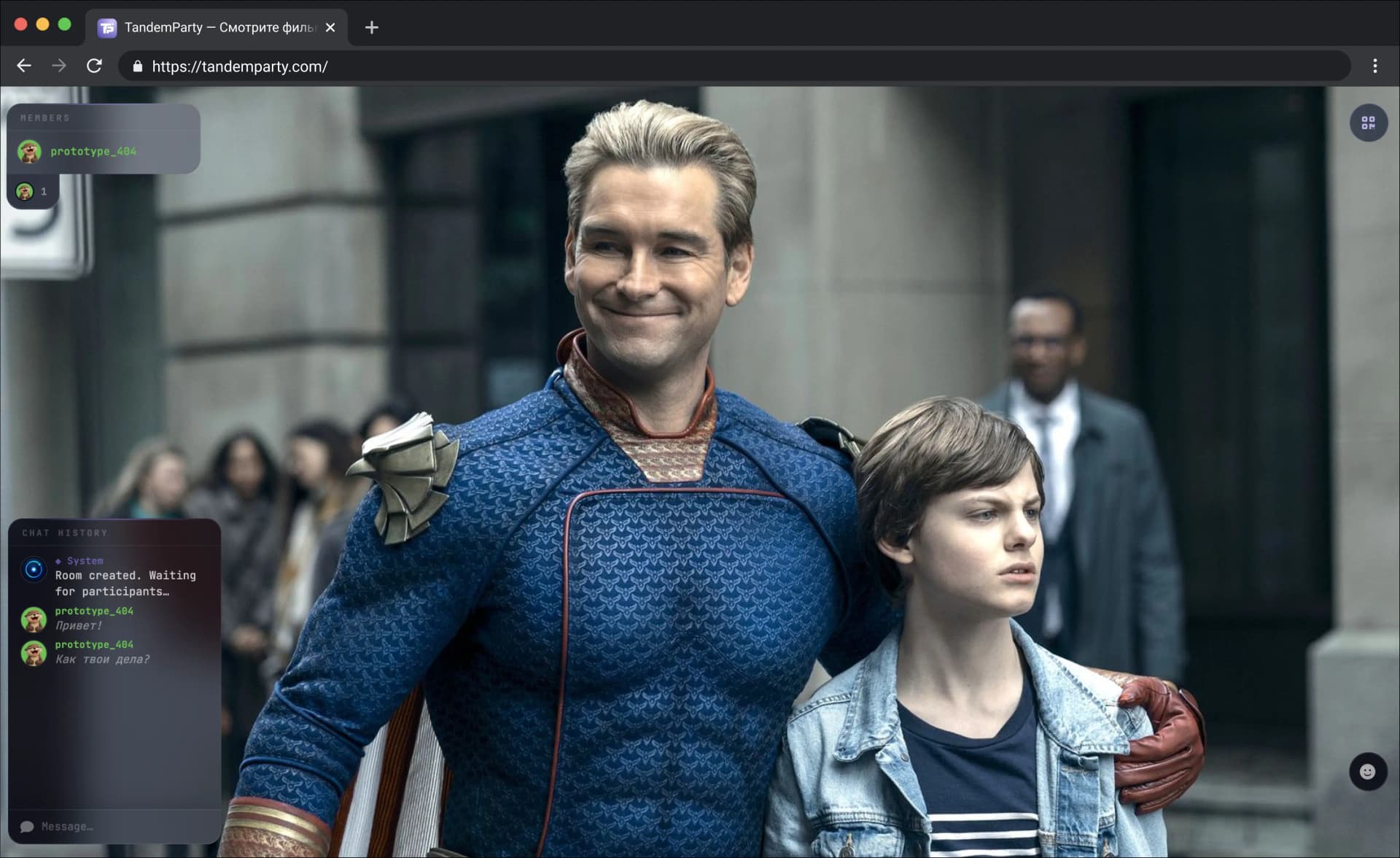
Watch Amediateka together
Sync movies and series on Amediateka, chat, and watch with friends at the same pace.
We'll walk you through the setup in three steps — it takes a couple of minutes.
AmediatekaHow to start watching together
Every participant needs access to the content and the TandemParty extension installed.
- 1
Install the extension
Add TandemParty to your browser and sign in to your account.
- 2
Open a video
Go to Amediateka and start the movie, series, or video you want to watch.
- 3
Invite your friends
Create a room in the extension and share its link with everyone.
Available in the room
- Synchronized play, pause, and seeking
- Chat and reactions while you watch
- Resume from the room's saved timestamp
Questions about watching Amediateka together
Yes. TandemParty synchronizes playback but does not provide content. Every participant signs in to Amediateka independently and needs access to the selected video.
The extension synchronizes play, pause, and seeking. Everyone in the room sees the same moment with minimal delay.
Open a video on Amediateka, create a room in the TandemParty extension, and share the generated link with your friends.
TandemParty supports Chrome, Yandex Browser, Microsoft Edge, and other Chromium-based browsers.
Yes. An account is required to create a room, join an invitation, and synchronize participants.